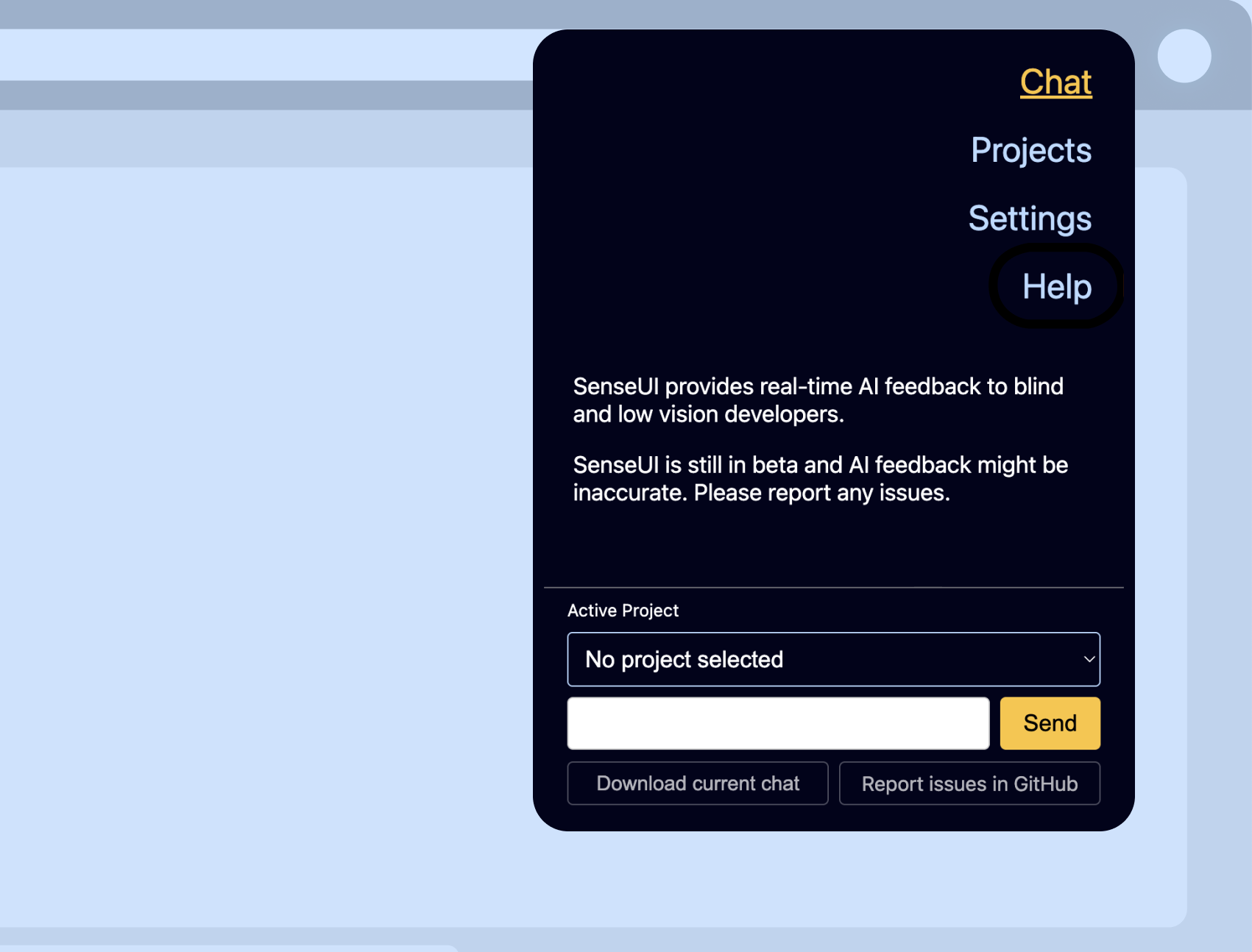
🎨 What is SenseUI?
SenseUI is an open-source browser extension that gives blind and low-vision web developers real-time, actionable feedback on their web designs.
👩🏻💻 My role
I was the sole designer and developer of SenseUI, responsible for all aspects of the project, from user research, design and the core development. I also led the community engagement efforts, recruiting volunteers for testing and co-development.
🔍 Background and problem
While I was investigating the accessibility barriers that blind and low-vision web developers face when working on UI design, I found that many of them have the challengue of:
- Applying visual styles using CSS
- Confirming that their changes were applied
- Getting feedback on their design decisions
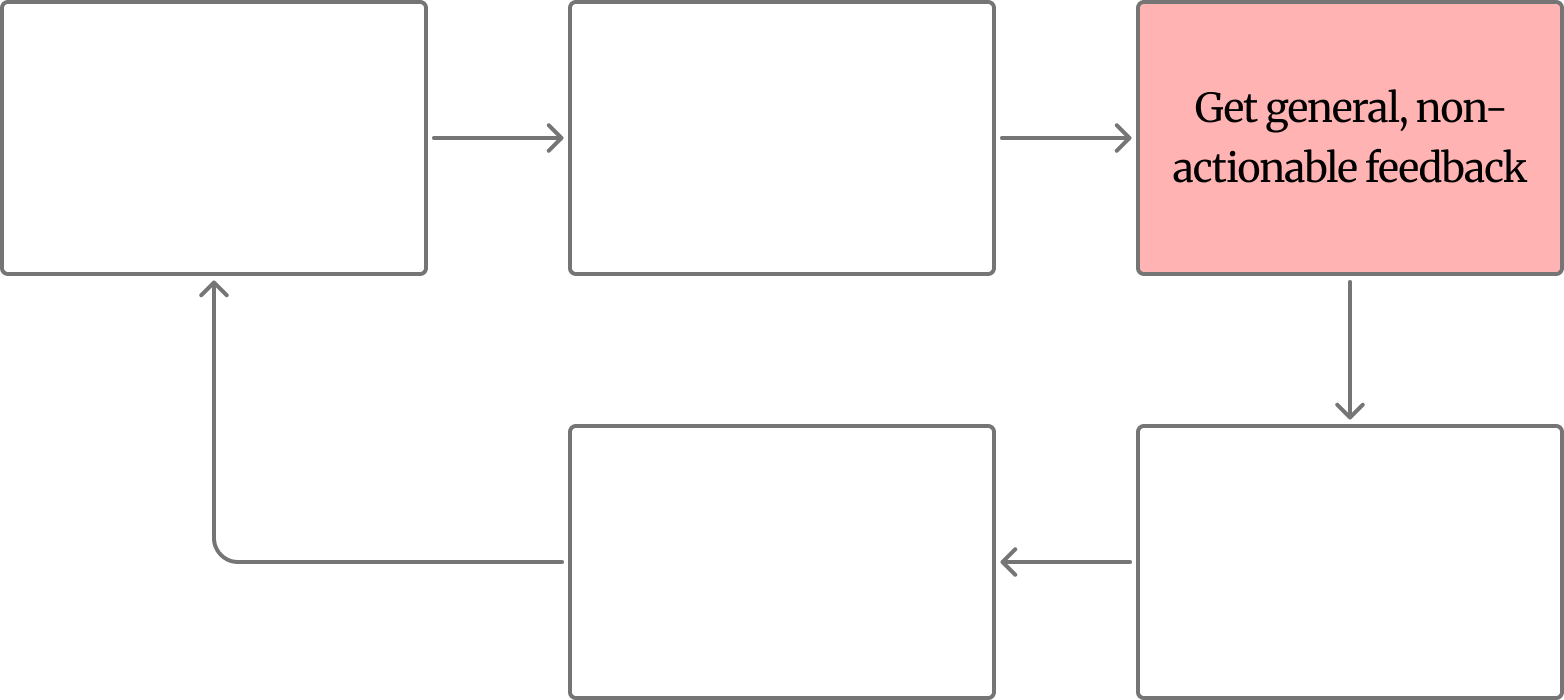
In the past, they had to heavily rely on sighted colleagues, friends, family or crowd-sourcing services like BeMyEyes, which created delays and workflow interruptions. While AI has emerged as a powerful solution to this problem, current general-purpose and coding tools (ChatGPT, Copilot) are often inaccessible, provide overly vague feedback, and require repetitive, labor-intensive prompting. Additionally, developers are forced to manually share screenshots and code contexts, a process that disrupts their workflow and efficency.
💡 Proposed solution
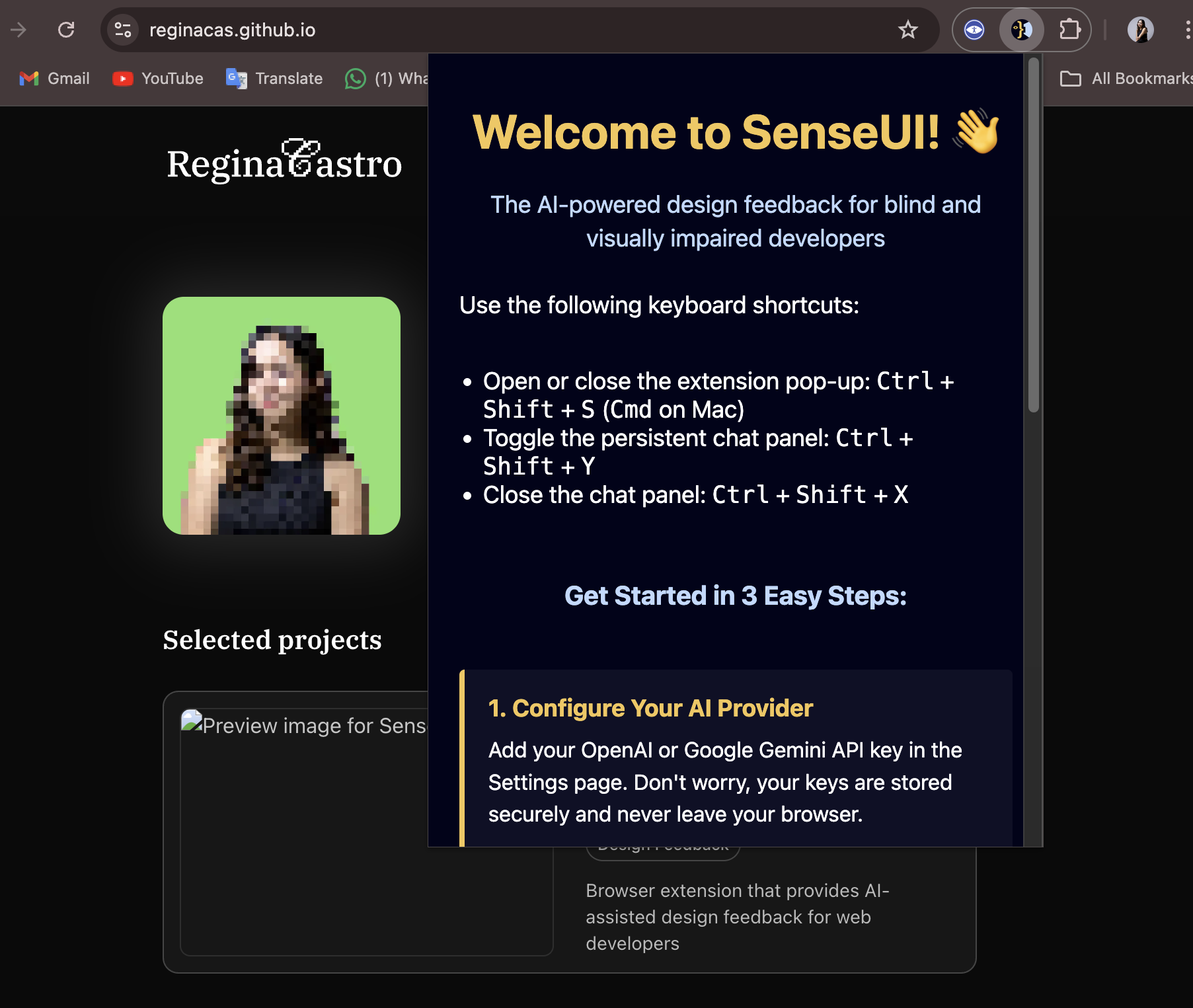
This is what sparked the idea to create the first web design focused AI tool for blind and low vision developers: SenseUI, an open-source, AI-powered design tool co-designed with blind and low-vision developers. By embedding accessibility and design context directly into the tool’s architecture, SenseUI eliminates the need for sighted colleagues intervention, enabling developers to work independently, advance their careers, and participate in front-end development more independently and confidently. SenseUI is completely free to use and open to improvement suggestions and feature ideas.
🔄 Process
To ensure SenseUI was truly effective, I employed a multi-stage, participatory methodology that blended rigorous user research with rapid, open-source development.
1. Understanding the user
My process began with interviews and contextual inquiries with blind and low-vision developers; observing their unique workflows when styling web projects and managing interactions and pain points with existing AI tools. These insights were materialized into design requirements.
Participants’ current workflow using general-purpose AI tools:
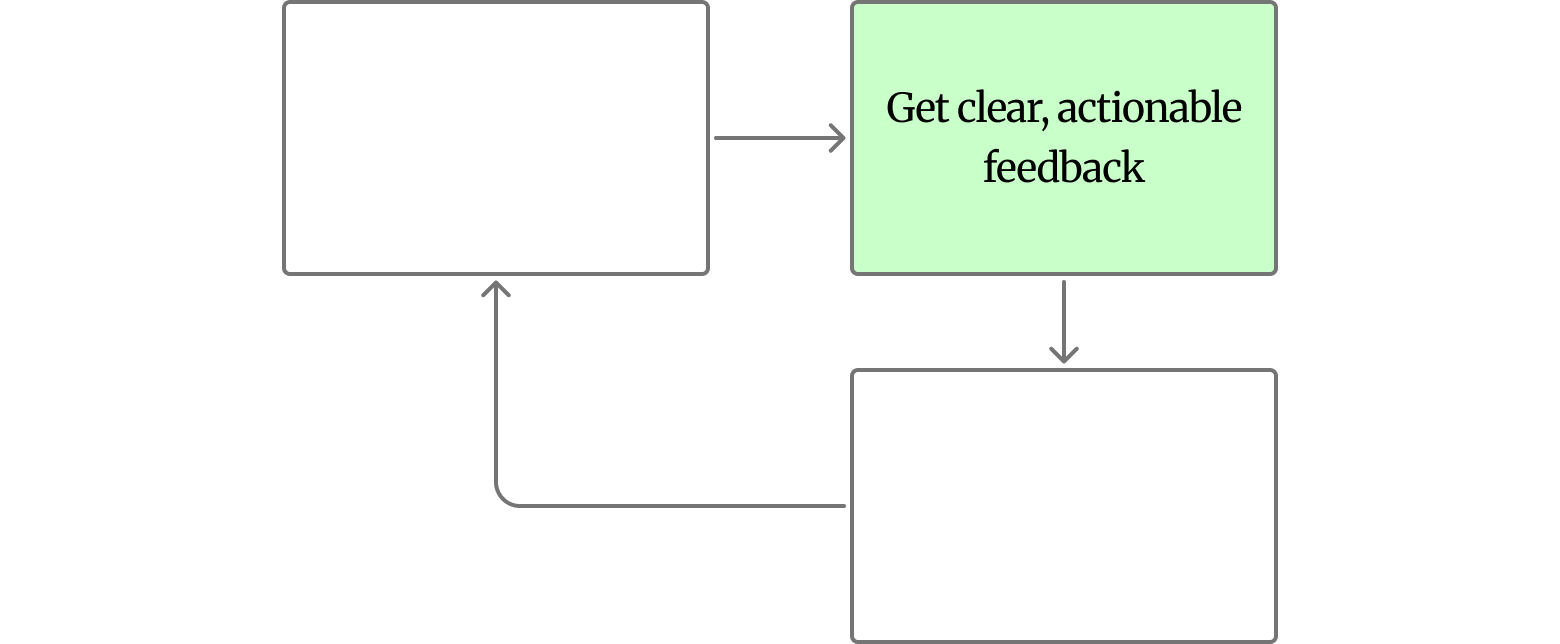
Participants’ ideal workflow in an AI-assisted design feedback tool:
2. Prototyping for validation
From the insights gathered, I identified the core value proposition of SenseUI: providing real-time, actionable design feedback without the need for manual context sharing. This could be allowed by making it into a browser extension, since it would allow the tool to automatically access the DOM structure, CSS and visual state of the current page.
Before writing production code, I designed and developed a prototype using the Wizard-of-Oz method. This method allowed me to simulate AI-driven design feedback in real-time. By testing this prototype with participants, I validated the core value proposition and established the essential feature set without committing to a premature technical architecture.
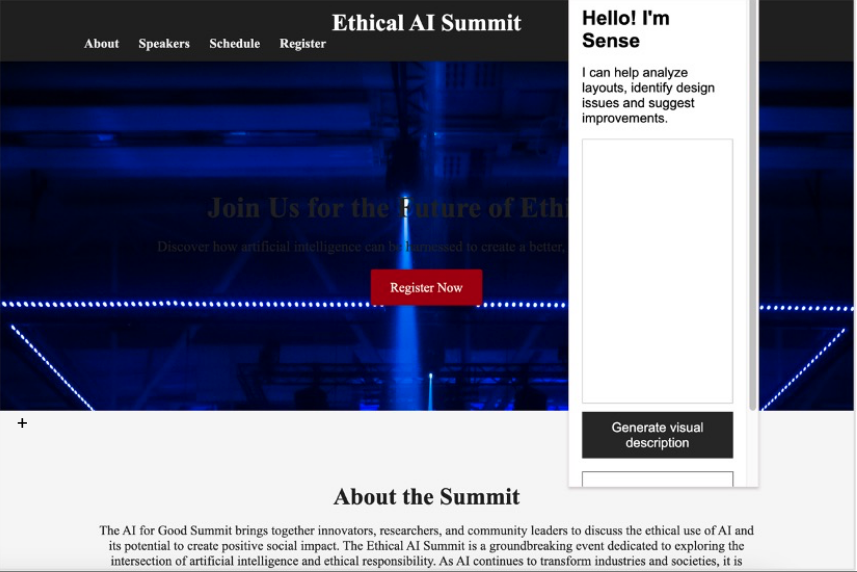
First version of SenseUI
After testing out the prototype’s interface and the pre-generated responses, all participants expressed enthusiasm for a functional version of SenseUI, emphasizing that it would have advantages over the current AI tools they use for visual assistance in their work.
It could make it so that being a blind developer wouldn't have any impact at all.
3. Co-development of SenseUI with the community
I implemented a co-development framework that invites blind and low-vision developers to participate throughout the process, ensuring the technology is built for and by the community. This involved:
- Creating the GitHub repository, establishing the open-source infrastructure for collaboration.
- Reaching out to developers from the blind and low vision community and inviting them to join in as either testers, contributors or simply observers.
4. Continuous testing
With the help of over 10 collaborators, we used the Agile framework to release every 2-3 weeks a build with a set of features to test. Each sprint culminated in a release, followed by testing phase where volunteers evaluate the tool’s accessibility, utility, and AI response quality.
🎉 Results
After 5 completed Sprints, SenseUI v1.0 is now live on the Chrome Web Store!
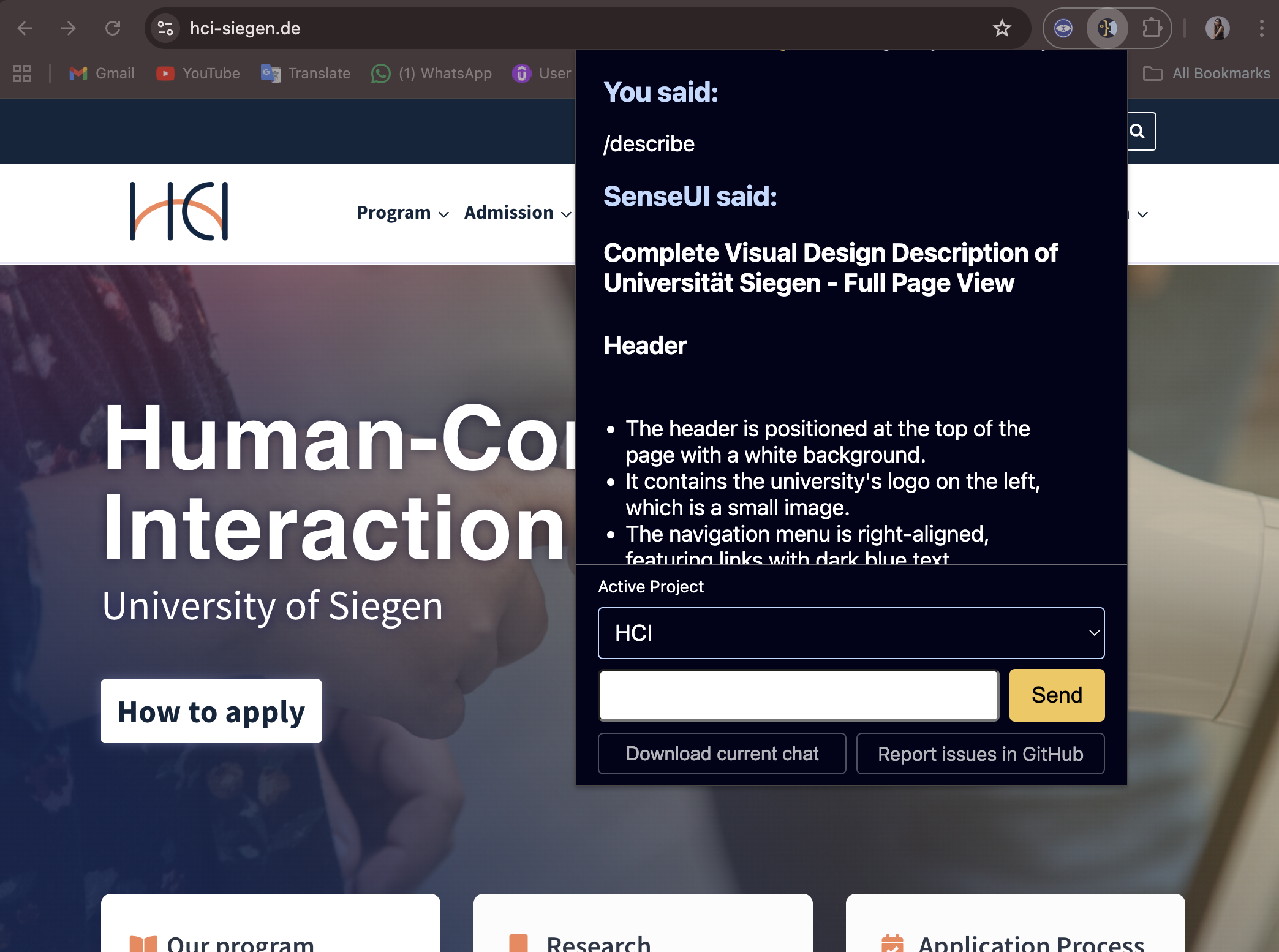
Technical achievements
Context-aware automation
Unlike general-purpose AI tools, SenseUI autonomously extracts the DOM structure, CSS, and visual state of the current page. This eliminates the “extra labor” of manual screenshots and prompt engineering, allowing developers to focus on their goal, not on multitasking.
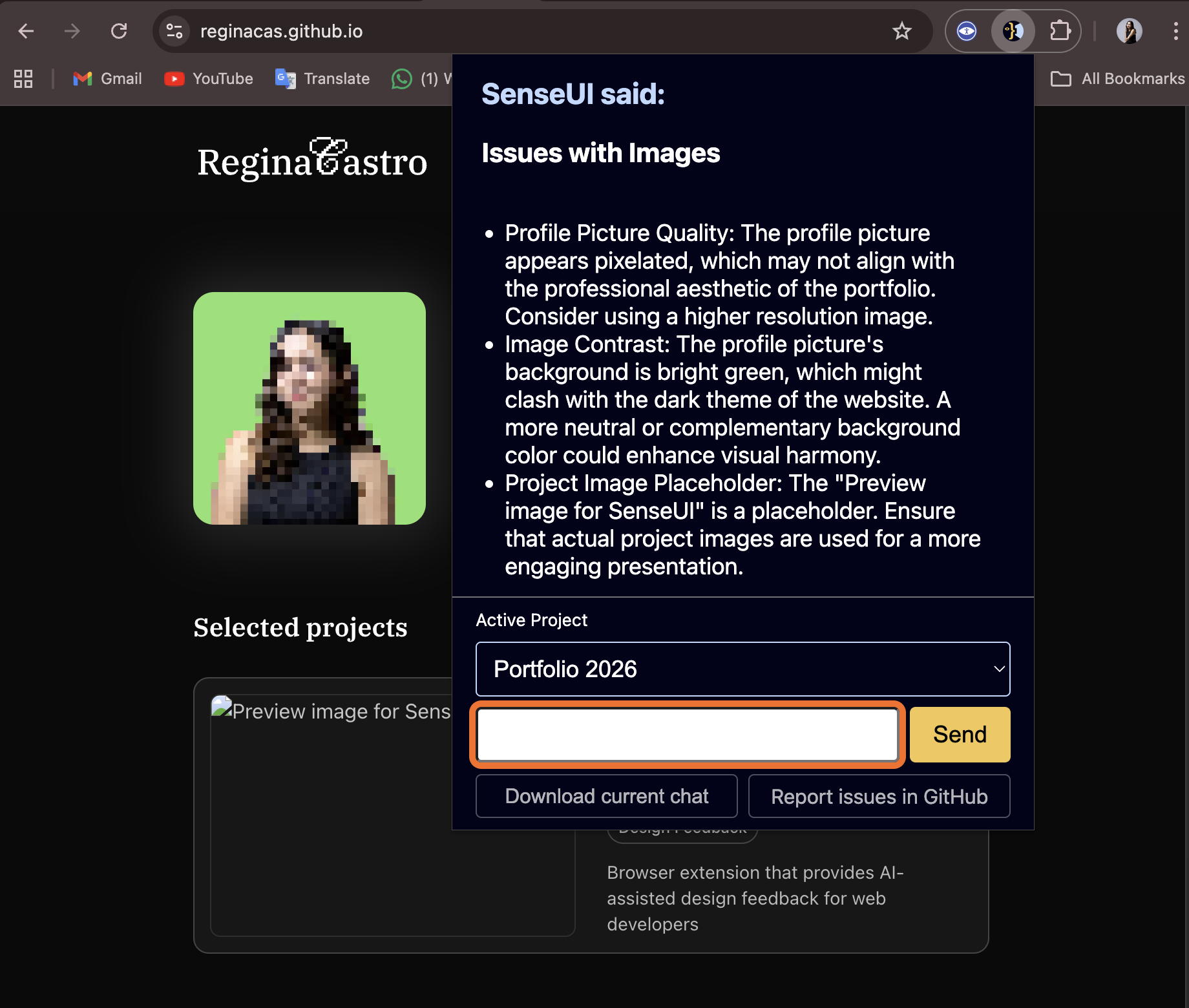
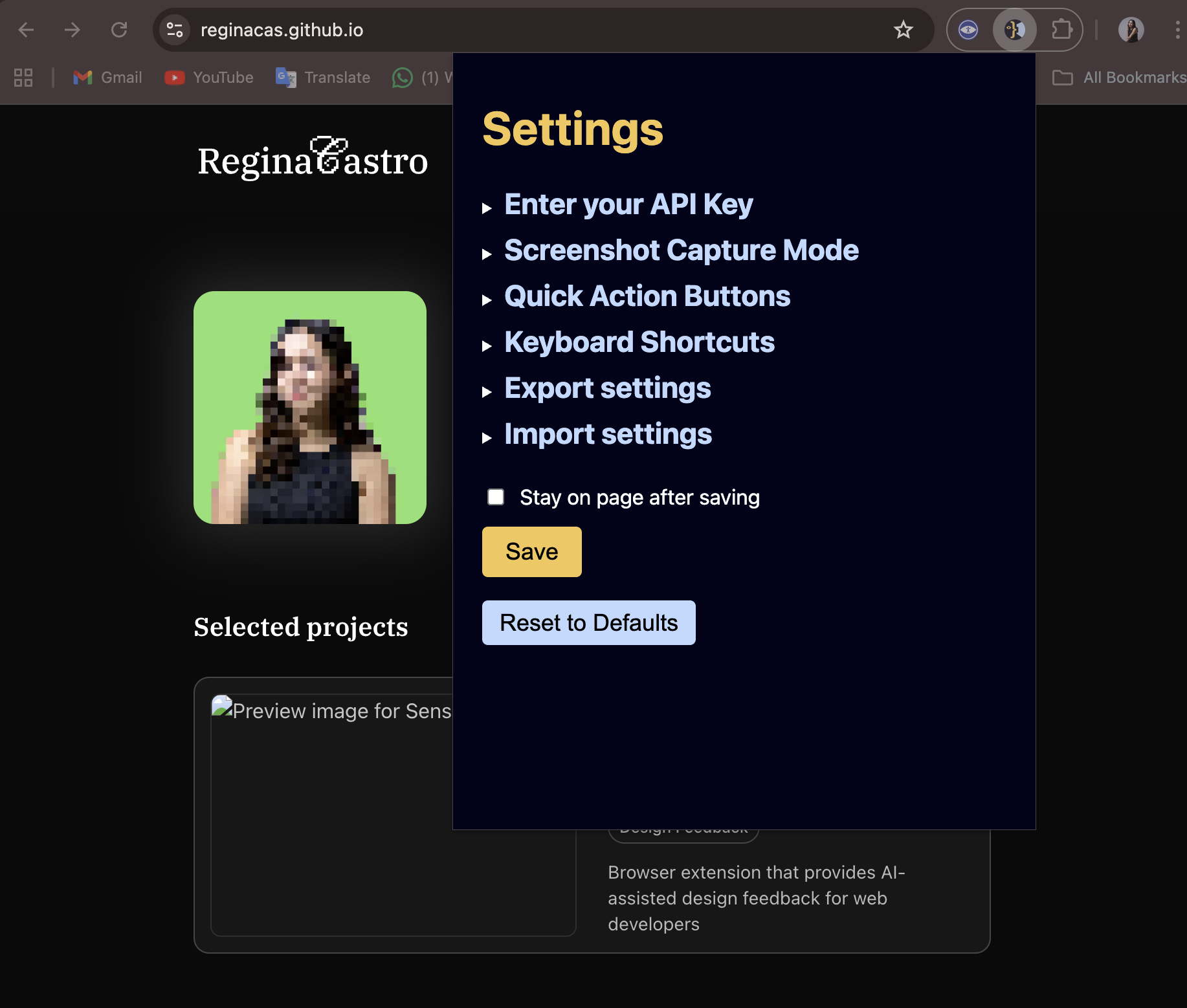
Effective workflows for UI auditing
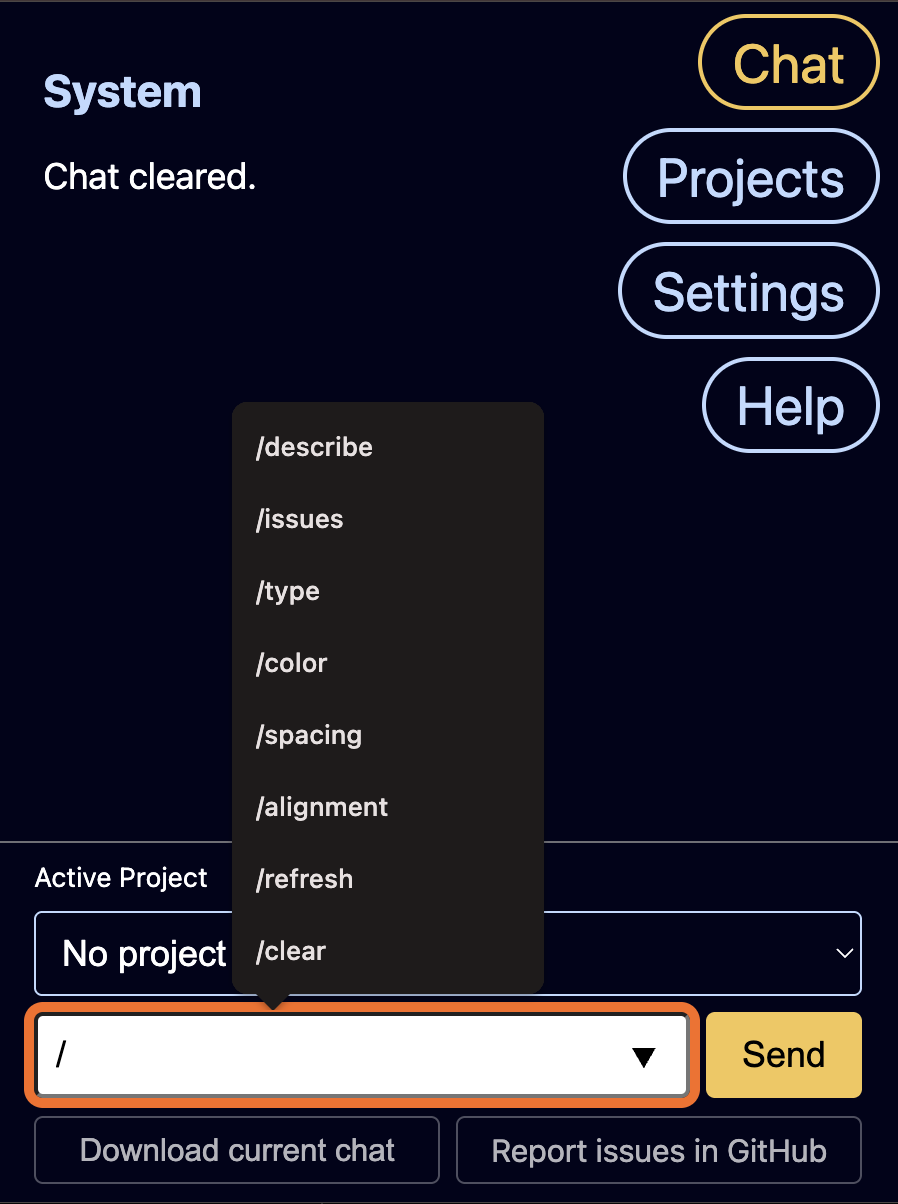
Users can now perform independent UI audits on their web projects; they can identify accessibility gaps, design issues and validate design decisions in real-time. By providing slash commands and buttons for common tasks, the system provides effective workflows and generates actionable feedback rather than generic suggestions.
Screen reader compatible AI feedback
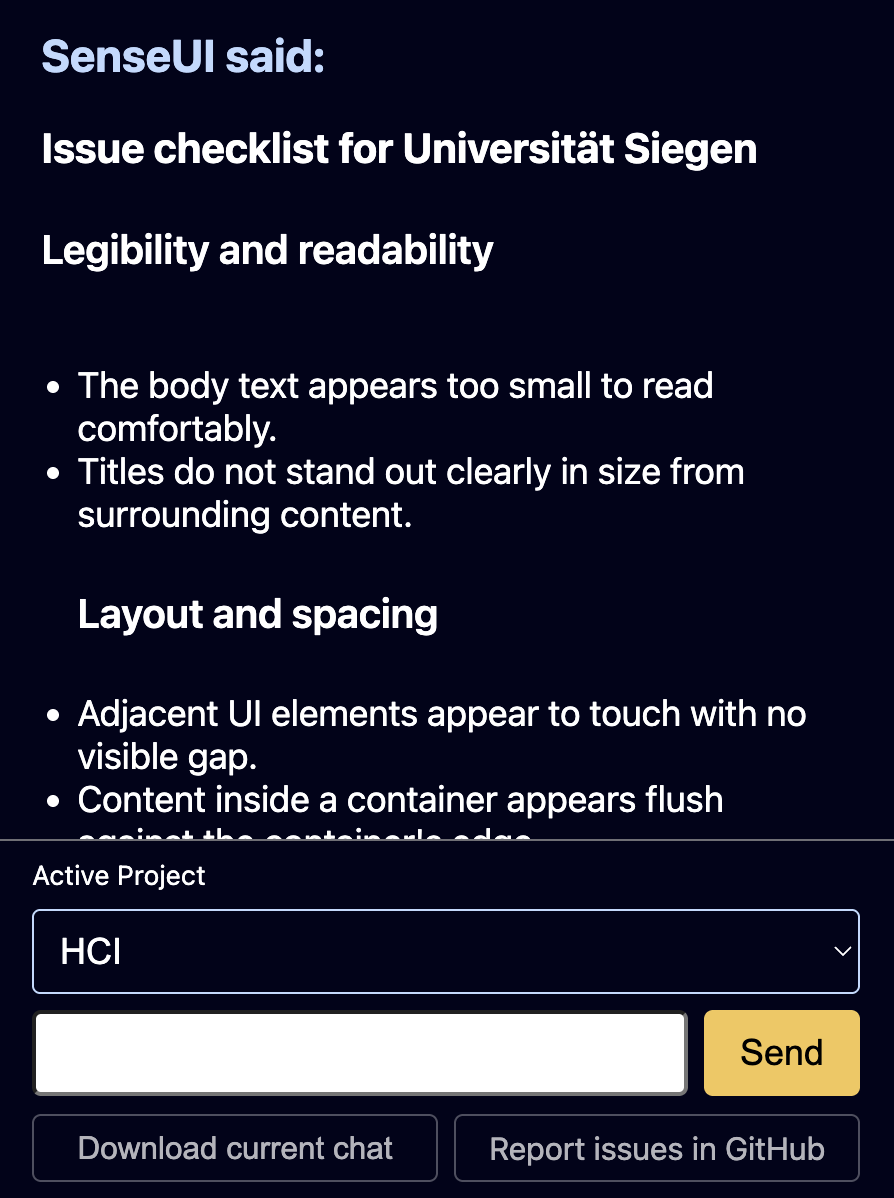
Not only SenseUI’s interface is fully compatible with screen readers, but also the AI-generated feedback is carefully structured using semantic markup in a way that is easy to navigate and understand using assistive technologies, making it easier for users to quicly scan the feedback and identify the most important points.
Project-driven workflows
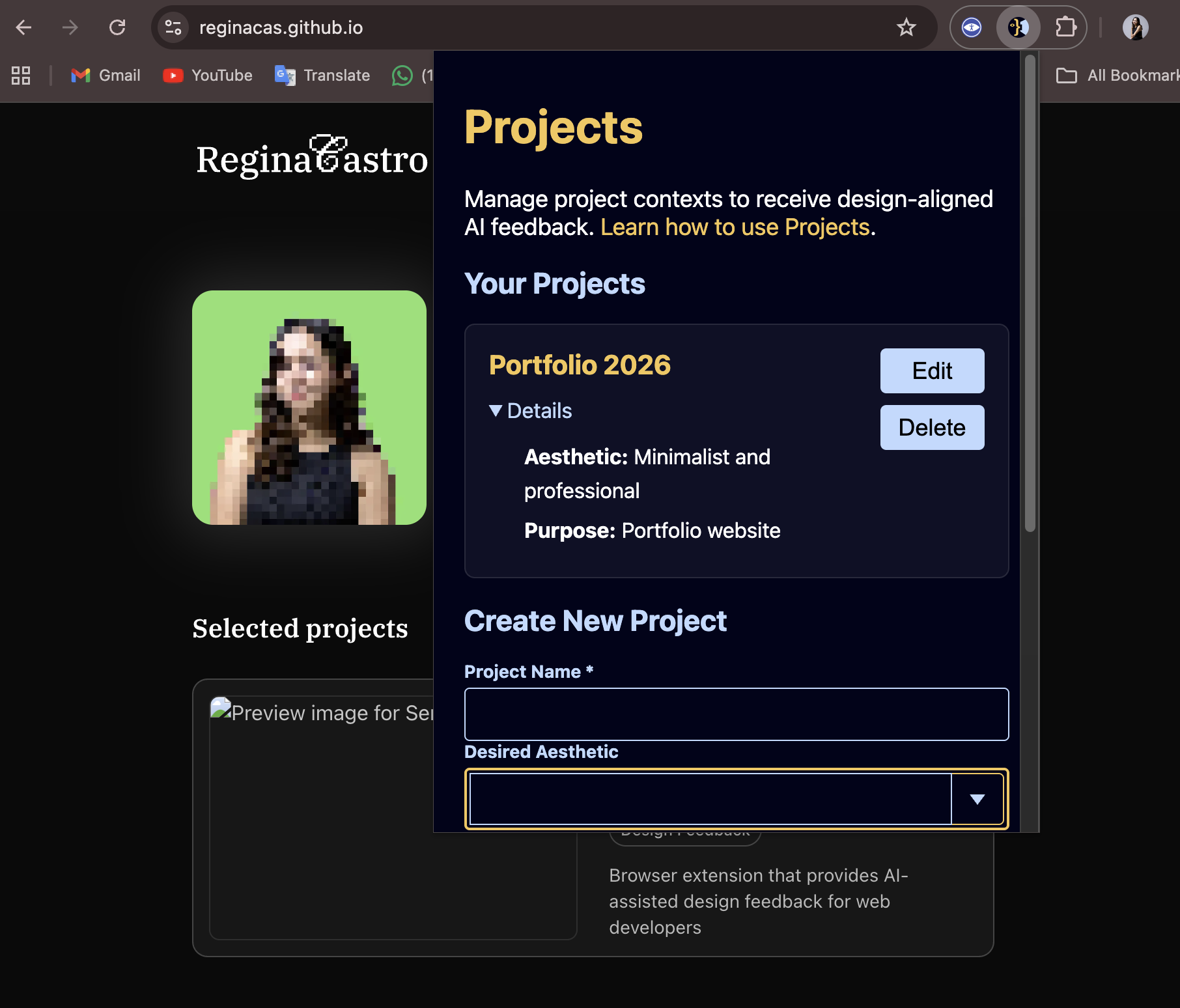
SenseUI supports project-oriented workflows, allowing developers to check if their webpages meets specific project requirements and goals insteag of providing general advice. This is achieved by allowing users to create, save and edit Project profiles from the Profile page, which can be then selected from a dropdown on the chat to switch from project contexts easily.
SenseUI can be more than an accessibility checker; it can also be a fundamental tool for having a door half open into the front-end job market
🫶 Takeaway
This project meant a lot to me, not only because I got to merge my passion for web design, accessibility, and open-source, but also because I got to collaborate with immensely talented developers who shared my enthusiasm for the potential of AI in the field of accessibility and assistive technology. I learned so much about creating accessible interfaces, creating AI-assisted worfklows and the importance of community-driven development. The SenseUI community hopes that this tool shifts how blind and low-vision developers approach web design and inspires similar tools to emerge.
I would like to give a shout-out to some of the most engaged people on this project; without them, it could not have turned out as well as it did:
- Paul Geoghegan
- Ángel Alcantara
- Josías Vázquez
- Muhammad Ammar Awaisi
- Anil Kumar
- Farhan Ishrak Fahim
- Alejkunkel